More Topics
There are many different uses of Problem-Attic, and the help topics on the left are divided up accordingly.
Most use of the program is on the Create and Organize pages. You can switch between them through the main menu at the top of Problem-Attic. Here is a screenshot which shows the main menu after logging in (the question banks that you see may differ):
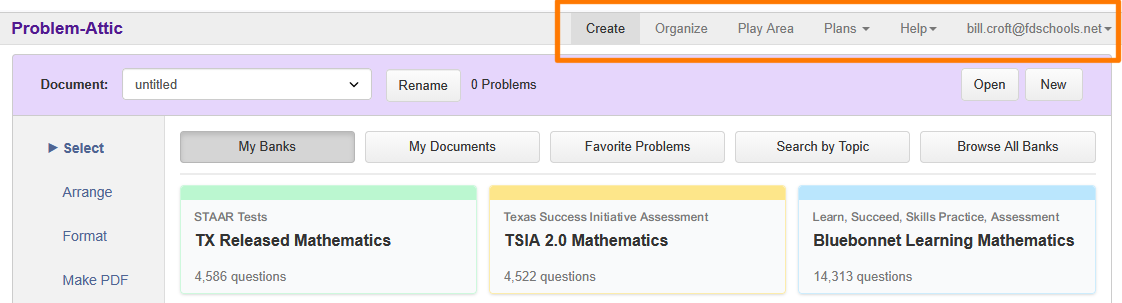
The Create page is where you will normally spend your time in Problem-Attic. It’s where you select questions from the database, arrange and format the questions, make PDFs, do online testing and scoring, and export to Google or an LMS. Most of the help topics on the left correspond to the tabs on the Create page.
The Organize page has a folder system and various options for sharing the documents you create. It also has curriculum development tools. There are help pages dedicated to these tools. You can learn how to align questions to standards and build (and share) your own fully customized bank.
To learn about the school subscription option in Problem-Attic, see the links on the left or go to the Plans menu at the top of the page. You can try the subscription options in what we call the “Play Area”.
Occasionally you will want to go to account settings. To get there, click your user ID (email address) at the top-right. There you can change your ID and password and various defaults for Problem-Attic. If you’re in charge of a school subscription, it’s also where you go to add/remove teachers and do other account management.